 Pennyworth
Firmglass onboarding
Your Firmglass onboarding.
Exactly what happens between the day you sign and the day the glass is live on your desk — the real steps, not a simplified version of them.
01 · You sign, we start
You sign the order. The same day, Craig sends your license and your install guide directly — no queue, no ticket system.
02 · You install the glass
The glass is a set of plain web files. You put them on your own hosting account — the guide walks the whole thing — about 20 minutes, no call required. You sign in with a passcode tied to your firm.
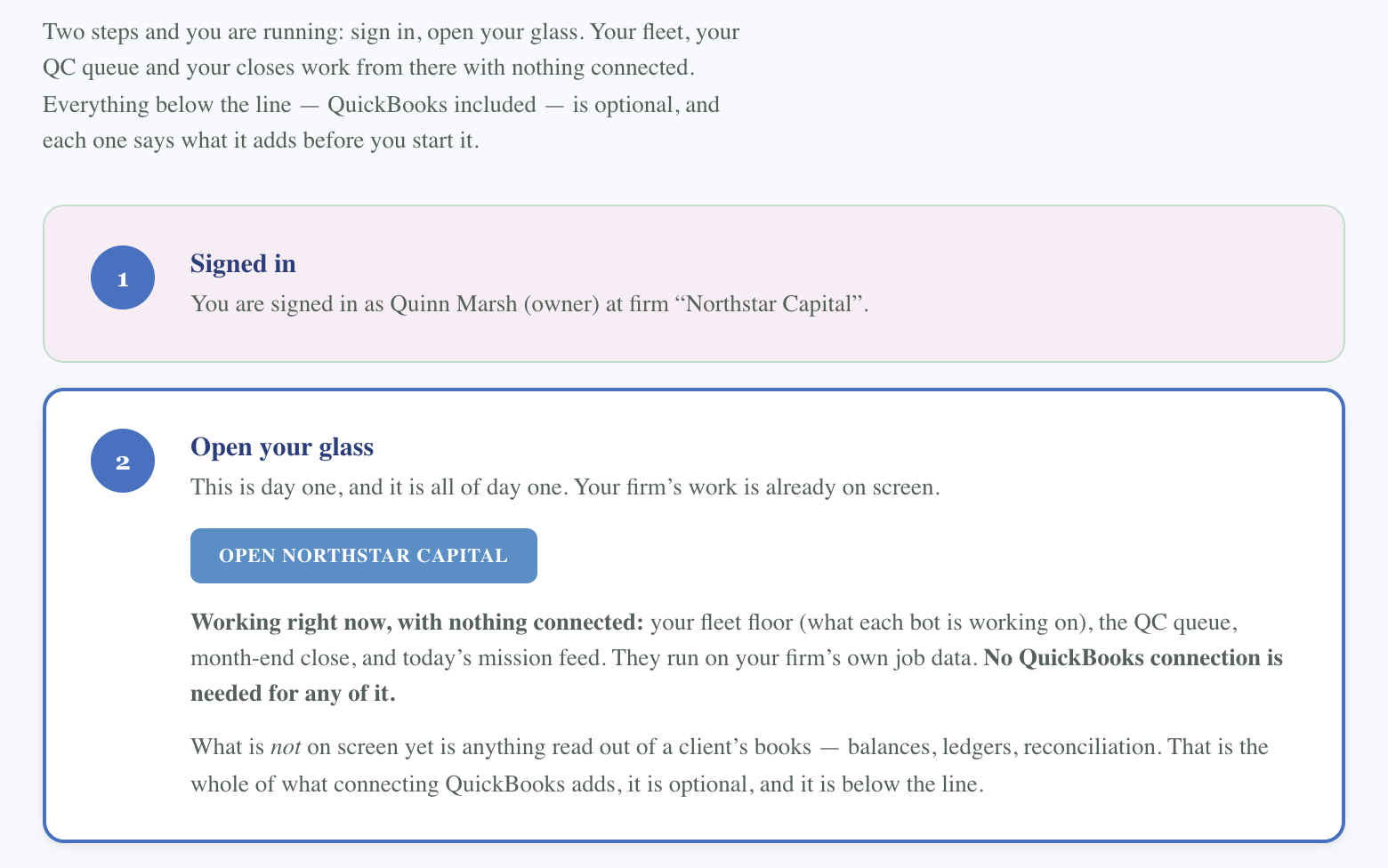
Two steps and you’re running: sign in, open your glass. Your fleet floor, your QC queue, and your closes work from there with nothing connected. QuickBooks — and everything else below the line — is optional, and each piece says plainly what it adds before you turn it on.
03 · Working, with nothing connected
The moment your glass is open, your fleet floor, QC queue, month-end close, and mission feed are already live — they run on your firm’s own job data. No QuickBooks connection is needed for any of it. What’s not on screen yet is anything read out of a client’s books — balances, ledgers, reconciliation. That’s the whole of what connecting QuickBooks adds.
04 · Connect QuickBooks, on your timing
When you’re ready for client-books data, you connect your firm’s own QuickBooks Online Accountant connector — not a client’s own login.
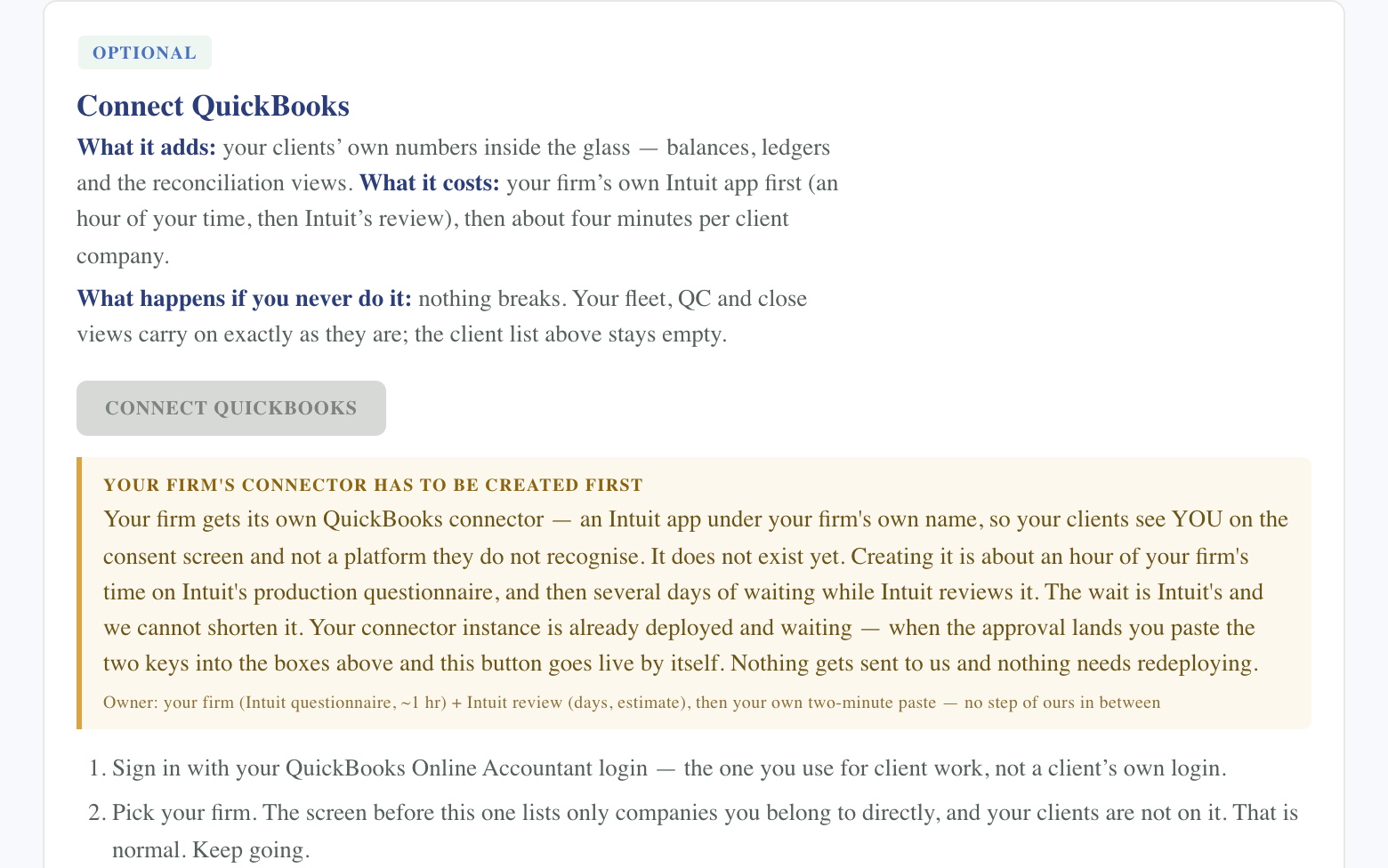
Sign in with your QuickBooks Online Accountant login — the one you use for client work, not a client’s own login. Pick your firm on the screen that follows (it lists only companies you belong to directly; your clients aren’t on it — that’s normal). Use “Search for a client” and type the client’s name — your whole client list lives behind that box. Approve, and connect one client at a time.
If your firm doesn’t have its own QuickBooks app yet, that’s a one-time step first: roughly an hour on Intuit’s own production questionnaire, then several days while Intuit reviews it. Nothing about the rest of your glass waits on that approval.
05 · A week in, we check in
A short follow-up once you’ve actually lived in it for a week, to catch whatever’s worth adjusting — async, no call.
What this is not
Nothing here is a one-way door. Pointing your glass at your own data is one command you run; you can undo it with one command and fall back to the bundled sample data at any time while you get comfortable.